Unable to load the user session
When this error message appears in the app, it generally means something got stuck with the connection data and the app is unable to complete the user identification process.
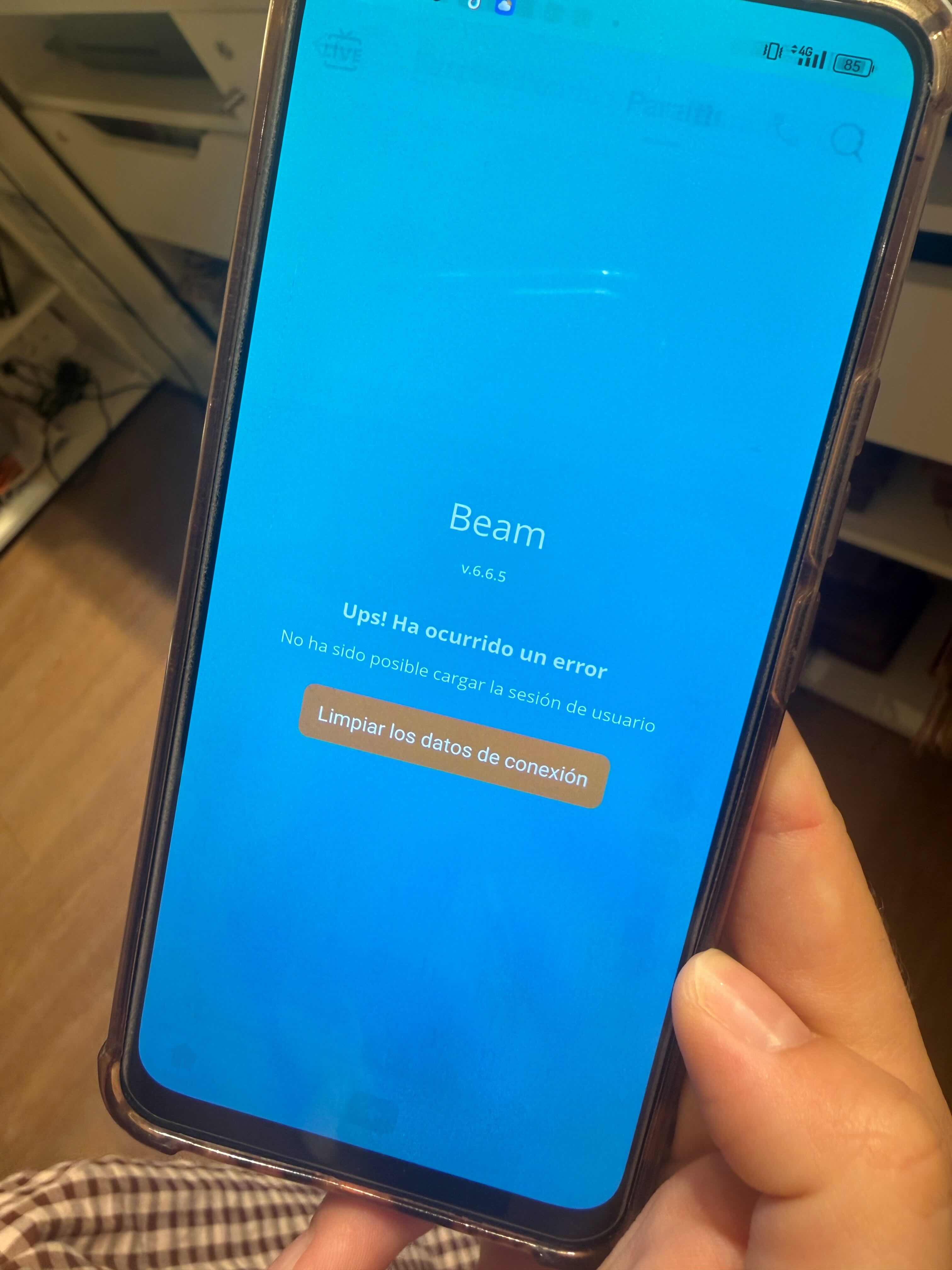
To fix this, it is necessary to clear the app's user data. In some cases, uninstalling the app does not fully remove the connection data, and when reinstalling it, the user ends up stuck in the same loop.
On Android:
- Settings > App management (or "Apps")
- Find and tap the Beam app
- Storage
- Tap "Clear data" (this fully removes the session, preferences, and cache)
Note: "Clear cache" is not enough to fix this issue, since it keeps the session active — use "Clear data" instead.
- Reopen the app and log in again.
On iOS:
- Settings > General > iPhone Storage
- Find the Beam app
- Tap "Delete App" (not "Offload App," which keeps the data and won't fix the issue)
- Reinstall the app from the App Store
- Open it and log in again
If the problem persists after following these steps, it may be a server-side issue — contact support.
Was this article helpful?
That’s Great!
Thank you for your feedback
Sorry! We couldn't be helpful
Thank you for your feedback
Feedback sent
We appreciate your effort and will try to fix the article